The 12 Best Free AI Image Upscaler Online Tools of 2026
Discover the top 12 free AI image upscaler online tools. Enhance photos for e-commerce, social media, and professional use with our in-depth review.
On this page
In a visually saturated market, clarity is king. Whether you're an e-commerce seller aiming to make products pop on Shopify, a marketer crafting a high-impact social media campaign, or a professional polishing your online portfolio, low-resolution images can undermine your efforts. Grainy, pixelated photos look unprofessional and can erode trust, costing you clicks, conversions, and credibility.
The challenge is that high-quality source images aren't always available. You might be working with old product shots, user-generated content, or assets from a supplier with less-than-ideal specs. This is where AI upscaling changes the game. A quality free ai image upscaler online can rescue blurry images, enhance details, and increase resolution without requiring expensive software or technical skills. It's the modern equivalent of a digital darkroom, giving you the power to transform mediocre visuals into crisp, professional-grade assets in seconds.
This guide cuts through the noise to bring you the 12 best online tools, rigorously tested and compared for real-world use cases. We'll examine their strengths, limitations, and how they fit into a practical creative workflow for everything from e-commerce to social media. Forget the guesswork; this resource provides the direct comparisons, screenshots, and links you need to choose the perfect tool for your project. We dive into the critical details: upscaling quality, file limits, commercial use policies, and overall user experience to help you find the best platform for your specific needs instantly.
1. 43frames
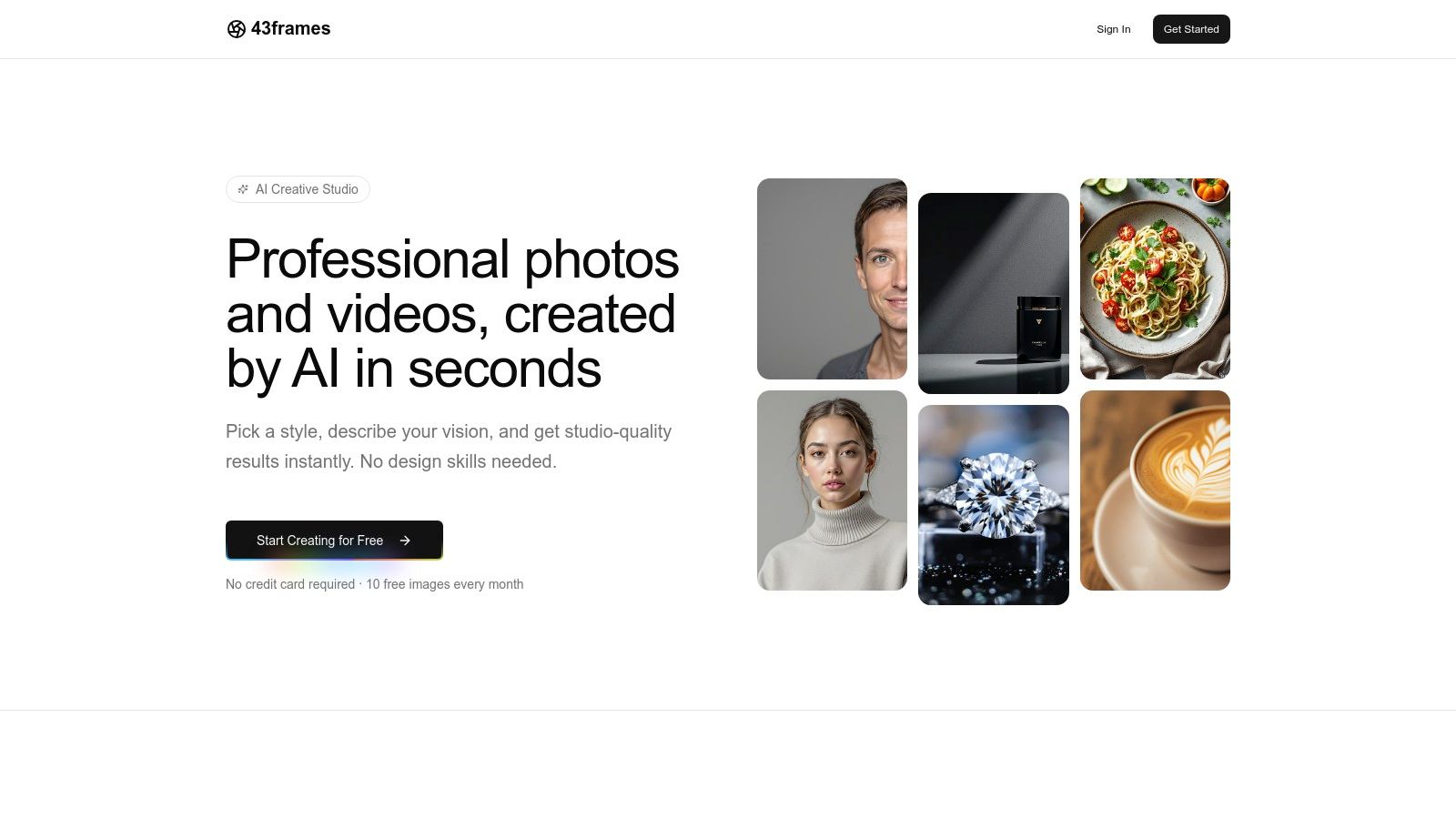
43frames includes photo upscaling in an AI image and video studio. Upscaling costs 2 credits per image. A new account receives 10 starter credits once, which can cover five successful upscales if you spend them only on that operation. The allowance does not refill monthly.
Where it fits
Use upscaling when a source photo is too small for the layout you need. Download the result and compare edges, faces, lettering and texture with the original. AI may invent detail; a larger file is not proof that missing information has been recovered accurately.
The same account offers photo restoration, image creation and optional custom model training. Restoration is a separate 2-credit operation. Custom training and new image creation also consume credits. There is no dedicated background-removal tool to include in this workflow.
Cost and limitations
Additional credits are one-time purchases, starting at $10 for 100 credits. Check public pricing and the cost shown before processing. Commercial use is subject to applicable law and upstream provider terms; do not assume that an output has exclusive rights or is suitable for every print size.
For a few photos, the starter grant offers a way to try the result. For a large archive, compare a small sample before deciding how much more work to process.
2. Upscale.media (by Pixelbin)
Upscale.media, developed by Pixelbin, is a highly efficient and straightforward free AI image upscaler online designed for users who need quick, quality enhancements without a complex interface. Its primary appeal lies in its simplicity and speed, making it an excellent choice for batch-processing social media content or refining e-commerce product photos on the fly. The platform supports a wide array of formats, including PNG, JPG, WebP, and even Apple’s HEIC format, which is a notable advantage for iPhone users.
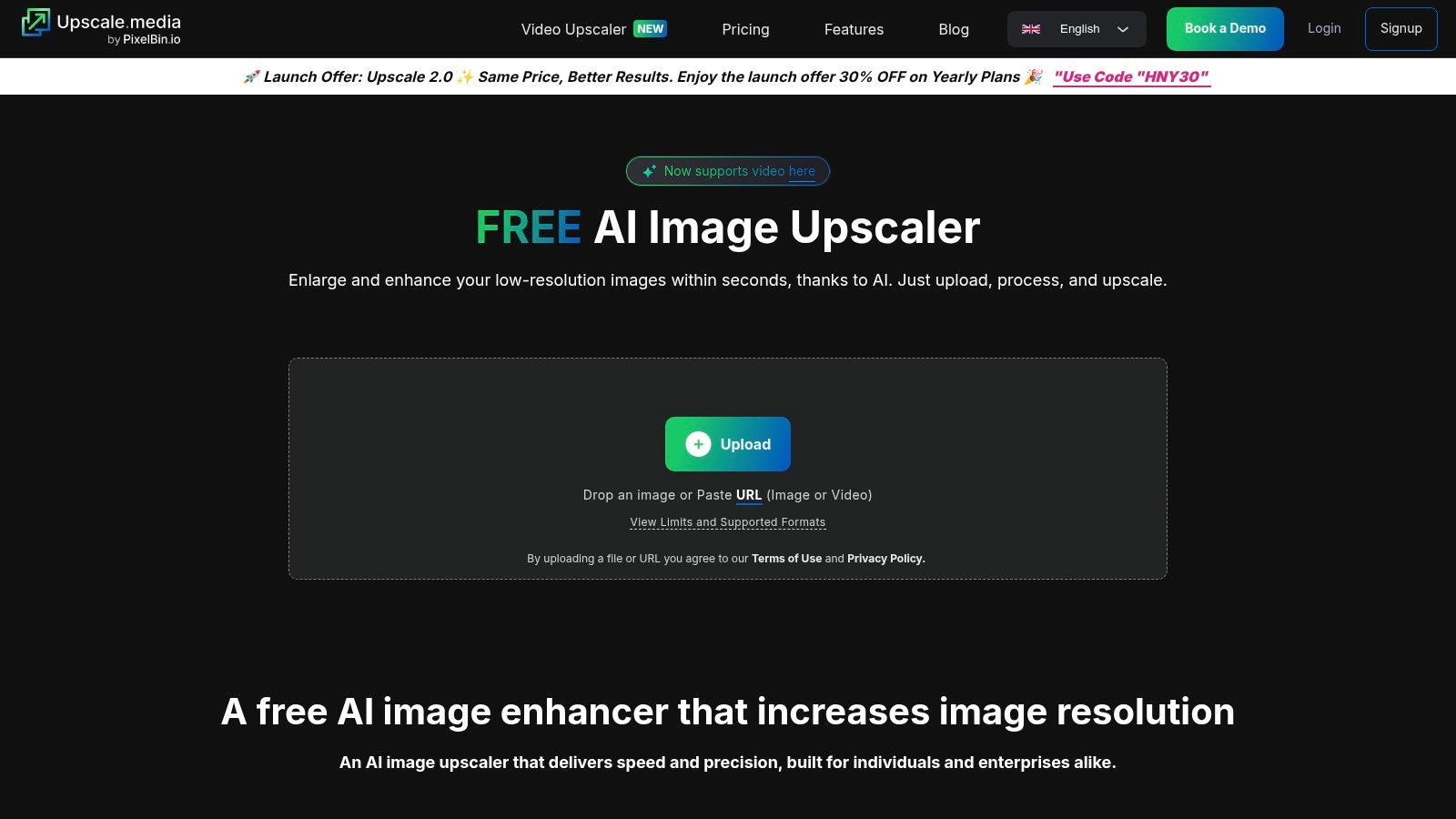
The user experience is seamless; a simple drag-and-drop mechanism allows for instant processing with an immediate side-by-side preview. Free users can upscale images up to 1500 × 1500 pixels, but creating a free account unlocks higher limits, making it a fair trade-off for more demanding projects. Its balance of speed, ease of use, and lenient file format support solidifies its place as a top-tier tool for rapid content creation.
Key Features & Analysis
- Upscaling Factors: Provides 2× and 4× options. An "Enhance Quality" toggle acts as an additional AI refinement layer to reduce artifacts and smooth textures, which is particularly useful for portraits and product shots.
- Use Case Suitability: Ideal for e-commerce managers needing to quickly sharpen product images or social media creators enhancing content for Instagram feeds. Its HEIC support is a significant plus for anyone working directly from an iPhone.
- Limitations & Access: While free access is generous, the best results and highest resolution caps are reserved for users who sign in. The output size may not be sufficient for large-format printing but is more than adequate for digital use.
Website: https://www.upscale.media
3. Topaz Labs – Image Upscaler (web)
Topaz Labs, a name synonymous with professional photo editing software, offers a browser-based free AI image upscaler online that brings its powerful technology to a more accessible platform. This web tool is a streamlined version of their renowned Gigapixel AI, focusing on providing exceptional detail and edge preservation for users who demand high fidelity. It is an excellent starting point for photographers, artists, and e-commerce sellers who need natural, artifact-free enlargements and trust the quality of an established photo-software brand.
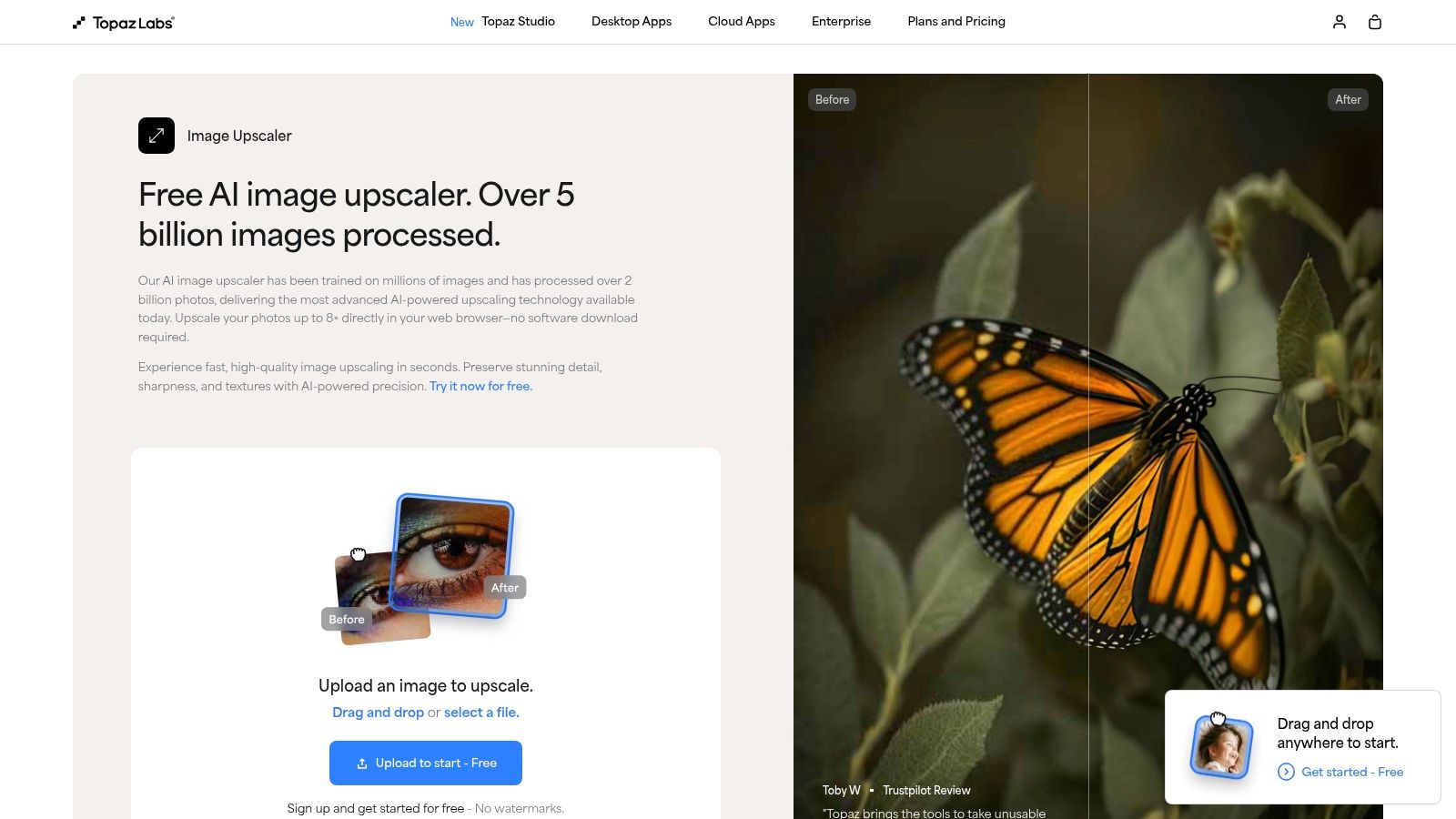
The experience is built around a simple drag-and-drop workflow, making it incredibly easy to test its capabilities. While the web version provides a quick and impressive demonstration, it serves primarily as a gateway to their more robust desktop applications. The quality is a clear differentiator; its AI models are trained on vast datasets, resulting in enlargements that feel authentic rather than digitally sharpened. You can learn more about how this underlying technology transforms pixels by exploring how image-to-image AI works.
Key Features & Analysis
- Upscaling Factors: The web tool showcases the potential for up to 8× enlargement, though specific limits may depend on the input file size and whether you are logged into an account. Its primary strength is preserving texture and fine details.
- Use Case Suitability: Perfectly suited for professional photographers needing to prepare images for print or digital display, and for product sellers who require crisp, clear shots that highlight material textures. Its focus on natural results makes it a top choice for high-stakes visuals.
- Limitations & Access: While the tool is free to try, an account may be required for full access or to download the results. The most advanced controls, such as noise reduction and face refinement, are reserved for their paid desktop software, making the web version more of a high-quality trial.
Website: https://www.topazlabs.com/tools/image-upscale
4. Pixelcut – AI Image Upscaler
Pixelcut stands out as a powerful ecosystem for creators and e-commerce brands, with its free AI image upscaler online serving as a key component. More than just a simple upscaler, it’s integrated into a suite of tools designed for content production, including background removal and AI photo shoots. Its major advantage lies in its accessibility, offering dedicated apps for iOS and Android and an API for automated workflows, making it a go-to for teams needing both manual and programmatic image enhancements.
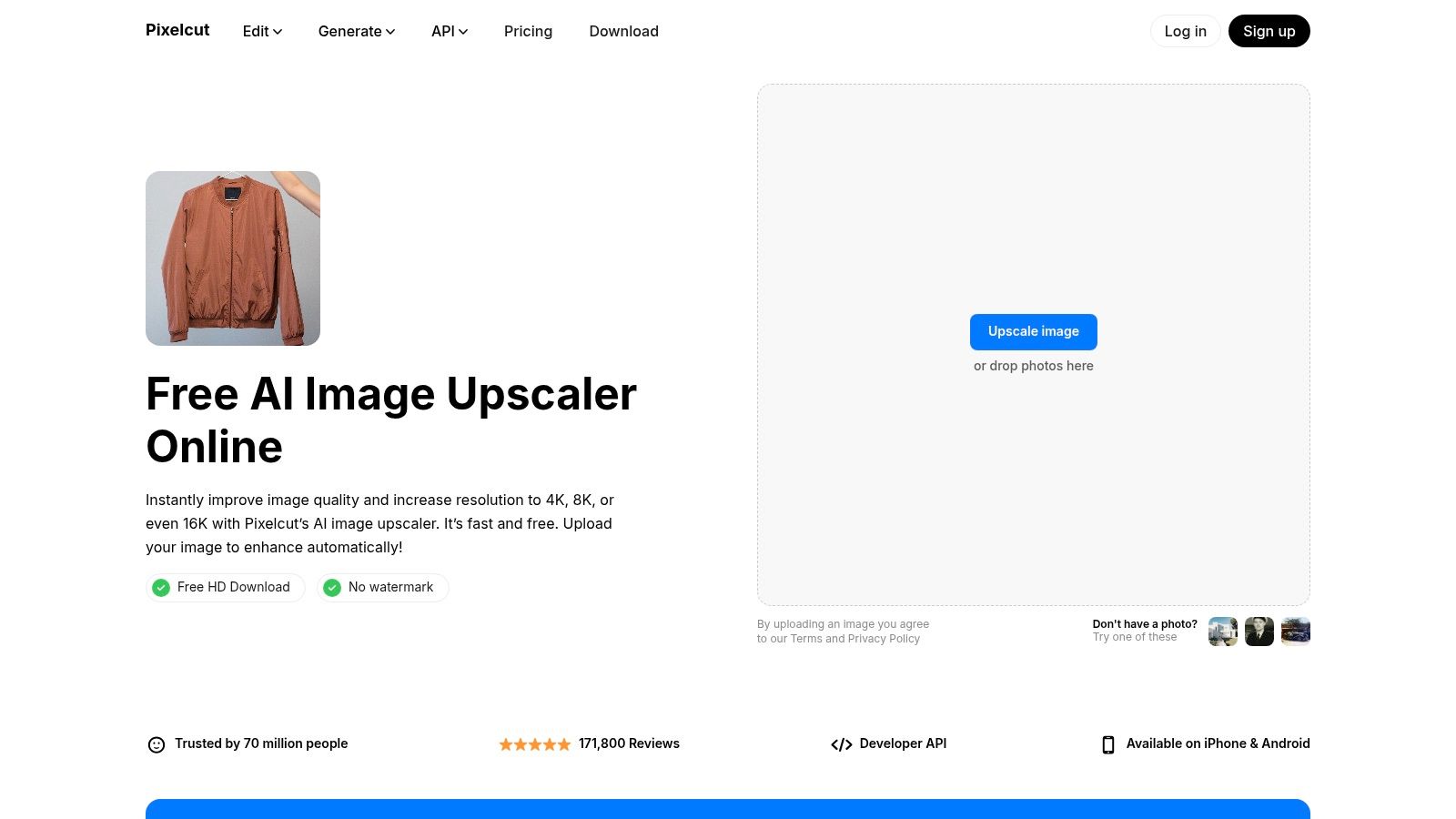
The platform is built for speed and integration. A social media manager can upscale an image on their phone and post it directly, while an e-commerce storefront can use the API to automatically process hundreds of product photos. While the free version is robust, the most impressive features, like the highest resolution outputs and advanced editing tools, are part of the paid Pixelcut Pro plan. This positions Pixelcut as a fantastic entry point with a clear, professional upgrade path.
Key Features & Analysis
- Upscaling Factors: Offers 2× and 4× upscaling, claiming outputs can reach up to 16K resolution, though this is likely tied to the Pro subscription. The core AI focuses on creating sharp, clean enlargements suitable for digital displays and print.
- Use Case Suitability: Perfectly suited for Shopify or Etsy store owners who use the broader Pixelcut suite for product shots. Its strong mobile apps make it ideal for social media managers and content creators who work primarily from their phones or tablets.
- Limitations & Access: Free usage is generous but serves as a funnel to the Pro subscription. The most powerful features, highest resolutions, and API access for bulk processing are gated behind the paid plan. Watermarks may apply to some free outputs.
Website: https://www.pixelcut.ai/image-upscaler
5. Canva – HD Photo Converter (Image Upscaler app)
Canva’s HD Photo Converter, accessible via its "Image Upscaler" app, is not a standalone tool but a powerful feature integrated directly into its world-renowned design ecosystem. This makes it an ideal free AI image upscaler online for users who are already creating social media posts, product listings, or marketing assets within Canva. Its key advantage is workflow efficiency; you can enhance an image and immediately drop it into a design template without ever leaving the platform, streamlining the entire content creation process from start to finish.
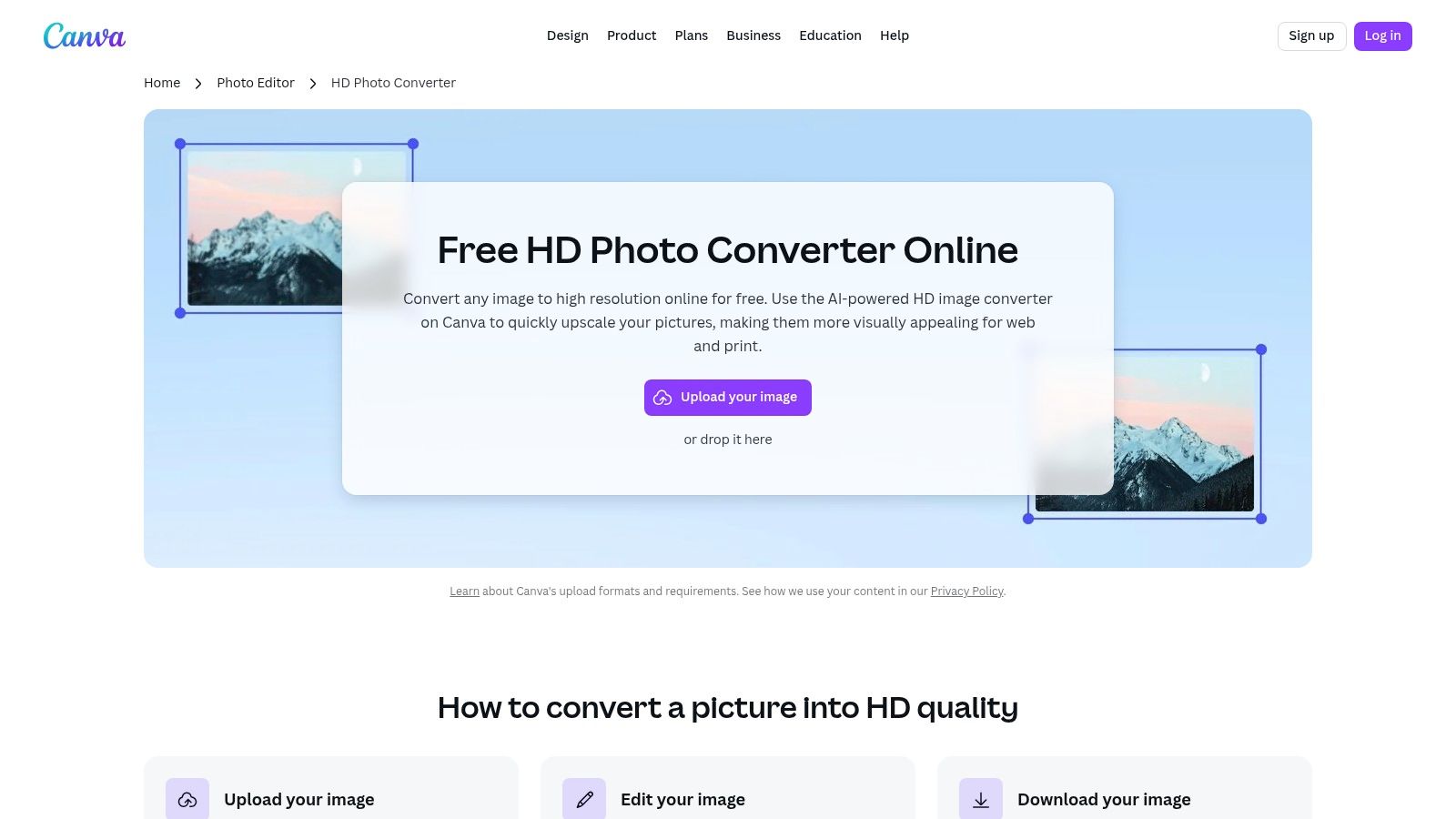
The experience is tailored for convenience. After uploading an image, you can find the "Image Upscaler" app in the "Apps" tab and apply the enhancement with a single click. While the tool itself is free to use, the ability to download the final design at the highest quality or with a transparent background may sometimes require a Canva Pro subscription. This integrated approach solidifies Canva’s position as a one-stop shop for creators who value speed and an end-to-end design solution.
Key Features & Analysis
- Upscaling Factors: The app offers up to 4× upscaling, which is competitive for an integrated tool. It focuses on clarity and sharpness, making it suitable for digital-first content where crisp visuals are essential.
- Use Case Suitability: Perfect for Etsy sellers designing product mockups, social media managers creating ad campaigns, or bloggers embedding high-quality images directly into their layouts. Anyone already invested in the Canva ecosystem will find it indispensable.
- Limitations & Access: Finding the upscaler app can be a bit confusing for new users, as it's nested within the editor's app marketplace. High-resolution exports and some advanced features are often gated behind a Canva Pro subscription, which could be a limitation for users needing purely free, high-res outputs.
Website: https://www.canva.com/features/hd-photo-converter/
6. Icons8 – Smart Upscaler
Icons8’s Smart Upscaler is a robust and developer-friendly free AI image upscaler online that prioritizes workflow integration and predictability. While many tools focus on single-image enhancements, Icons8 is built for volume, offering impressive batch processing capabilities and an API for automating catalog updates. This makes it an excellent choice for businesses, e-commerce stores, and development teams that need a reliable, scalable solution integrated directly into their existing systems.
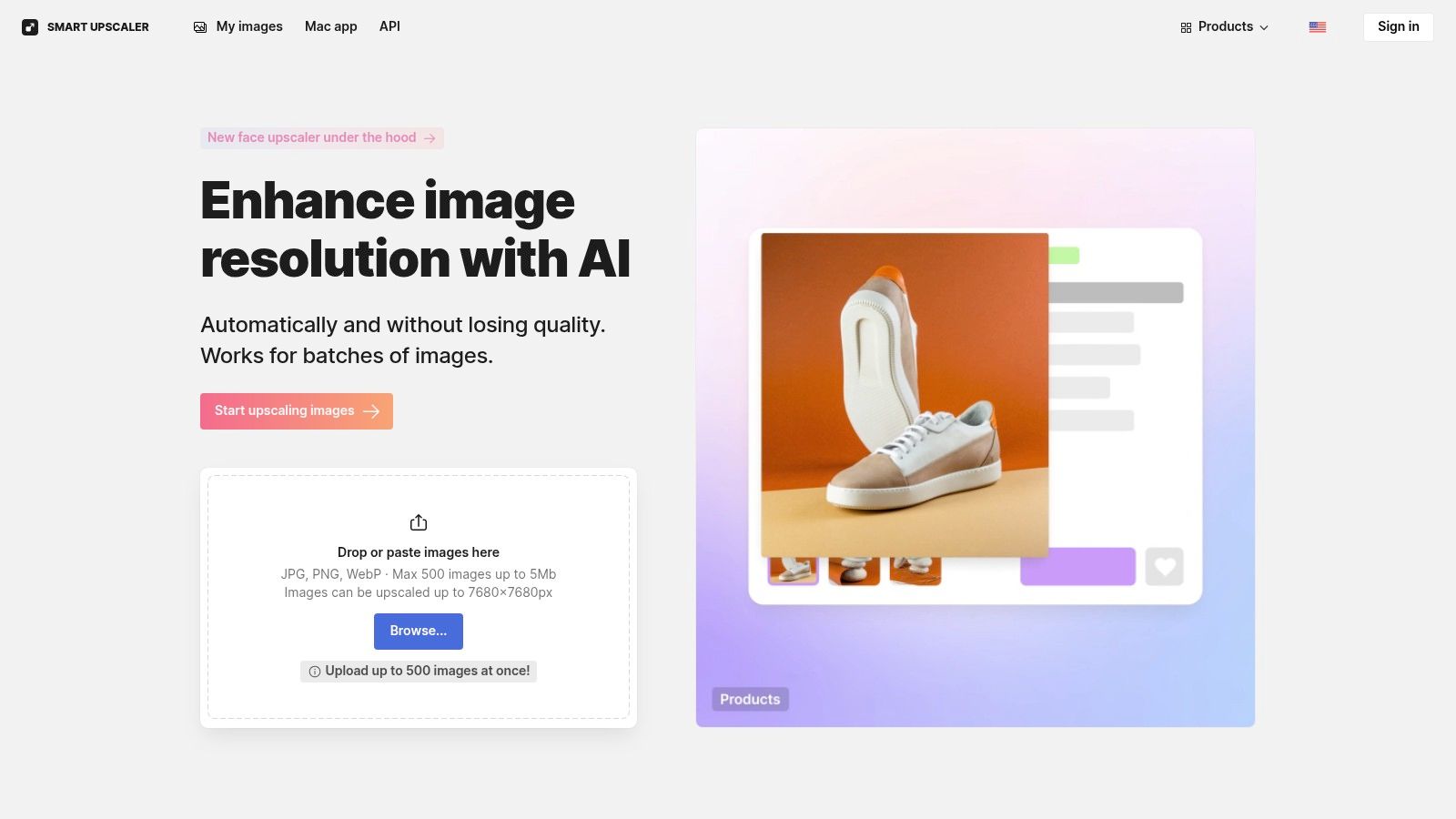
The platform has a clear, transparent policy: it does not use uploaded images to train its AI models, a key privacy benefit for users with proprietary content. Its user interface is clean, providing a straightforward drag-and-drop area and access to your processing history. While free usage includes a watermark, its credit-based system and subscription options offer a predictable cost structure for professional use, removing the guesswork often associated with pay-as-you-go services.
Key Features & Analysis
- Upscaling Factors: Offers 2× and 4× upscaling, capable of increasing image resolution up to 7680×7680 pixels, which is suitable for high-resolution digital displays and some print applications.
- Use Case Suitability: Perfectly suited for e-commerce teams managing large product catalogs, developers needing an API for their applications, and businesses that require batch processing of up to 500 images at once. Its privacy policy also makes it ideal for handling sensitive or copyrighted visuals.
- Limitations & Access: Free processing comes with a watermark, which must be removed by purchasing credits or a subscription. The credit-based model, while transparent, requires users to plan their usage to manage costs effectively, especially for very large, ongoing projects.
Website: https://icons8.com/upscaler
7. Bigjpg
Bigjpg is a specialized free AI image upscaler online that has carved out a niche by focusing on anime and illustration-style artwork. While it handles photographic images competently, its algorithm truly excels at enlarging line art, cartoons, and digital drawings, preserving sharp edges and clean colors without introducing common artifacts. This makes it an invaluable tool for artists, graphic designers, and e-commerce stores using illustrative graphics for their product listings or branding.
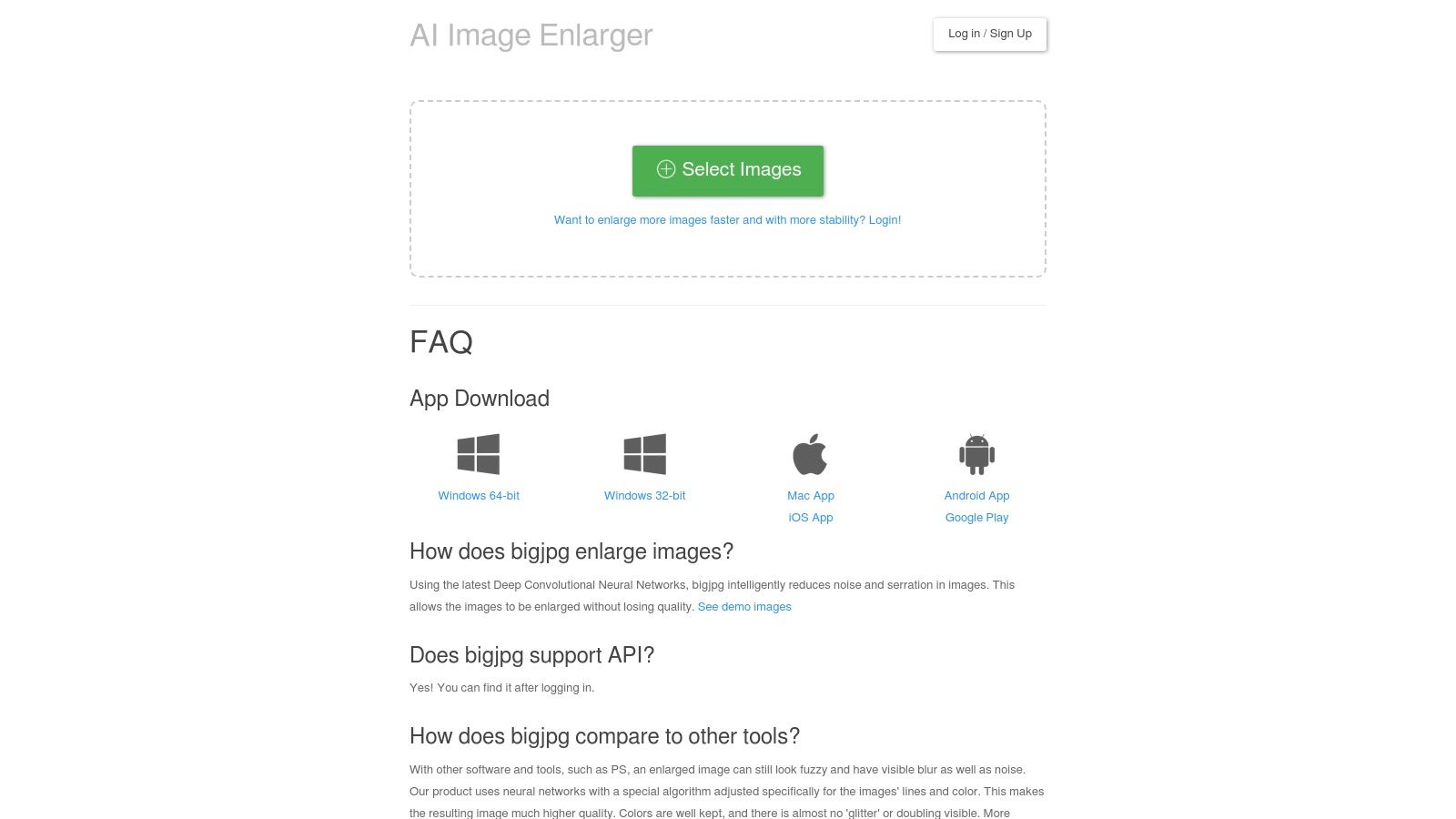
The platform offers a simple interface where users can select the artwork type (Artwork or Photo) and desired upscaling factor before processing. A key differentiator is its availability beyond the web; Bigjpg provides dedicated desktop and mobile apps, along with an API for developers looking to integrate upscaling into their own workflows. Free users face processing queues and caps on image size (3000×3000 px, 5 MB) and upscale factor (4×), with paid plans unlocking faster speeds and higher limits.
Key Features & Analysis
- Upscaling Factors: Offers 2× and 4× for free users. Paid plans unlock 8× and 16× options, along with noise reduction controls for refining the final output.
- Use Case Suitability: Excellent for enlarging logos, brand illustrations, anime-style art for merchandise, or any graphic where preserving crisp lines is critical. Its photo upscaling is decent but less remarkable than its performance on illustrations.
- Limitations & Access: The free tier often involves a waiting queue, and the size limits can be restrictive for very high-resolution source files. Users should also note that the default server is in Mainland China, though a US-based server can be selected after creating an account.
Website: https://bigjpg.com
8. Let's Enhance
Let's Enhance is a commercial-grade free AI image upscaler online tailored for business users, marketers, and sellers who require consistent, high-quality results. It operates on a credit-based system, offering 10 free credits upon sign-up, which allows users to test its powerful upscaling and enhancement capabilities. The platform stands out by combining upscaling with AI-powered color correction, tone adjustment, and restoration, making it a comprehensive solution for professional-grade visual assets.
The user interface is business-friendly, with options for creating presets and processing images in batches, which streamlines workflows for marketing campaigns or large product catalogs. While the free access is limited to the initial credits and may include watermarks, it serves as an excellent trial for its premium, predictable service. This model makes it an ideal choice for teams that need to budget for image processing and require reliable, high-volume output.
Key Features & Analysis
- Upscaling Factors: Offers presets for Digital Art, Photo, and Smart Enhance, with upscaling up to 16×. It also includes specific tools for color and tone enhancement, light adjustments, and artifact removal.
- Use Case Suitability: Perfectly suited for e-commerce businesses that need to batch-process product imagery for different marketplaces. It is also great for marketing teams preparing visuals for digital ads and print campaigns where quality is paramount.
- Limitations & Access: The 10 free credits are a one-time offer for trial purposes. Continuous use and access to advanced features like priority processing and cloud storage require purchasing credit bundles or a subscription plan.
Website: https://letsenhance.io
9. VanceAI – Image Upscaler
VanceAI presents a comprehensive suite of image enhancement tools, with its AI Image Upscaler being a core component. Unlike single-purpose platforms, VanceAI positions itself as an all-in-one solution, integrating sharpening, denoising, and restoration functionalities alongside its upscaling capabilities. This makes it a powerful free AI image upscaler online for users needing to perform multiple corrective actions on a single image, such as restoring old product photos or refining scanned documents.
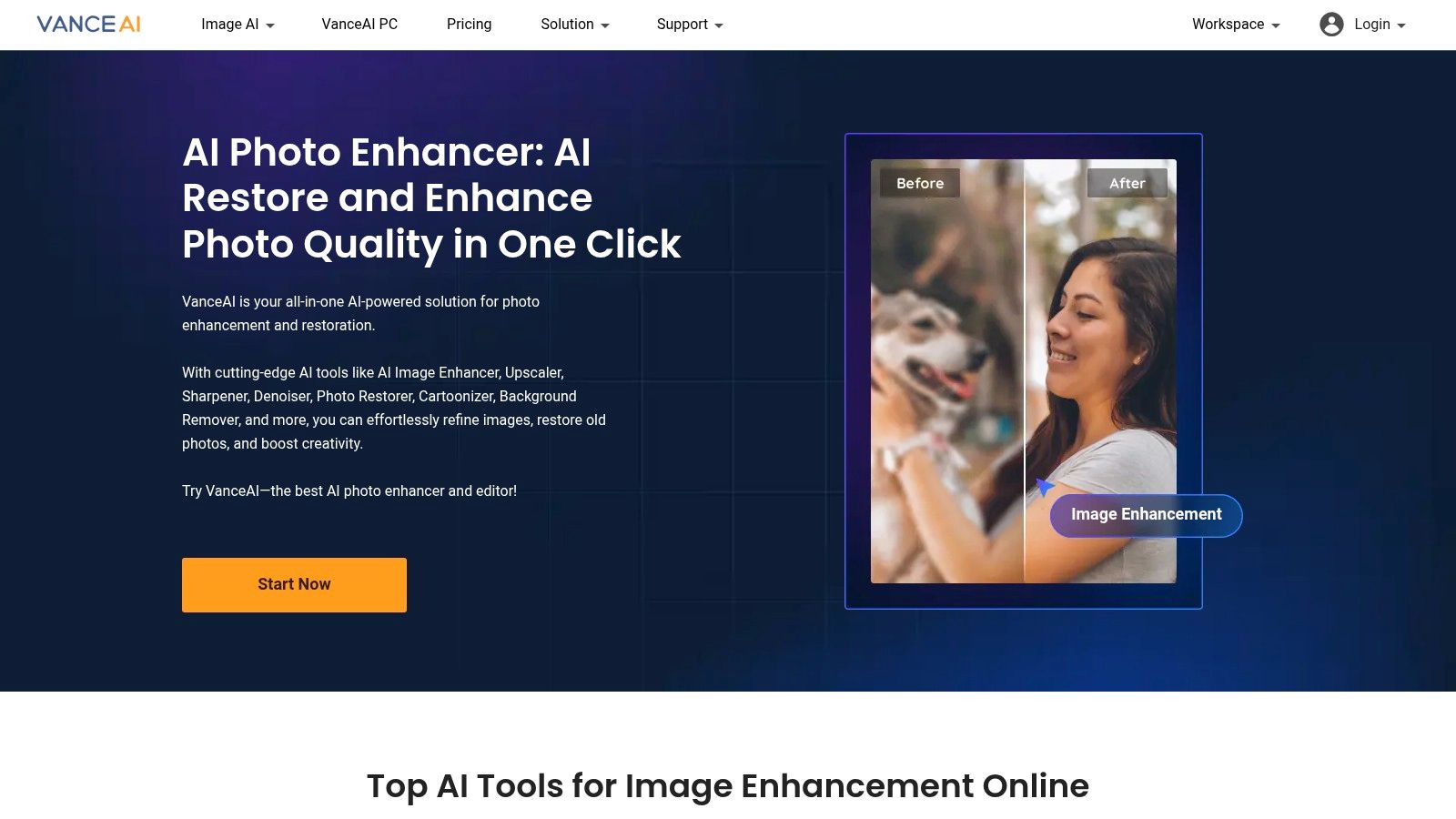
The platform operates on a credit system, offering a few free credits upon signup to test the tools. While this limits extensive free use, it provides a clear pathway to more advanced features, including a downloadable desktop application (VanceAI PC) designed for offline batch processing. This dual online and offline offering makes it a flexible choice for users who range from casual enhancers to professionals with high-volume workloads, though managing the credit consumption for processing versus downloading can require some attention.
Key Features & Analysis
- Upscaling Factors: Offers 2×, 4×, and up to 8× enlargement. It also allows users to select specific AI models tailored to different image types, such as standard photos, anime, or text-based images, for more optimized results.
- Use Case Suitability: Excellent for e-commerce sellers who need to restore and upscale older, low-quality SKU photos in one workflow. The desktop app is particularly well-suited for businesses needing to process large batches of images efficiently without relying on an internet connection.
- Limitations & Access: The free model is quite restrictive, functioning more like a trial. Heavy usage requires purchasing credit packs or a subscription. The credit system, where credits are used for both processing and downloading, can be confusing for new users to navigate.
Website: https://vanceai.com
10. Fotor – AI Photo Enlarger / Bulk Image Upscaler
Fotor positions itself as a comprehensive and user-friendly free AI image upscaler online, known for its simple "one-click enlarge" functionality and a separate, highly practical bulk processing tool. This dual approach makes it an excellent asset for users with varying needs, from a single image touch-up to preparing an entire product catalog for an e-commerce store. It supports common file types like JPG, PNG, and WebP, ensuring broad compatibility for most digital assets.
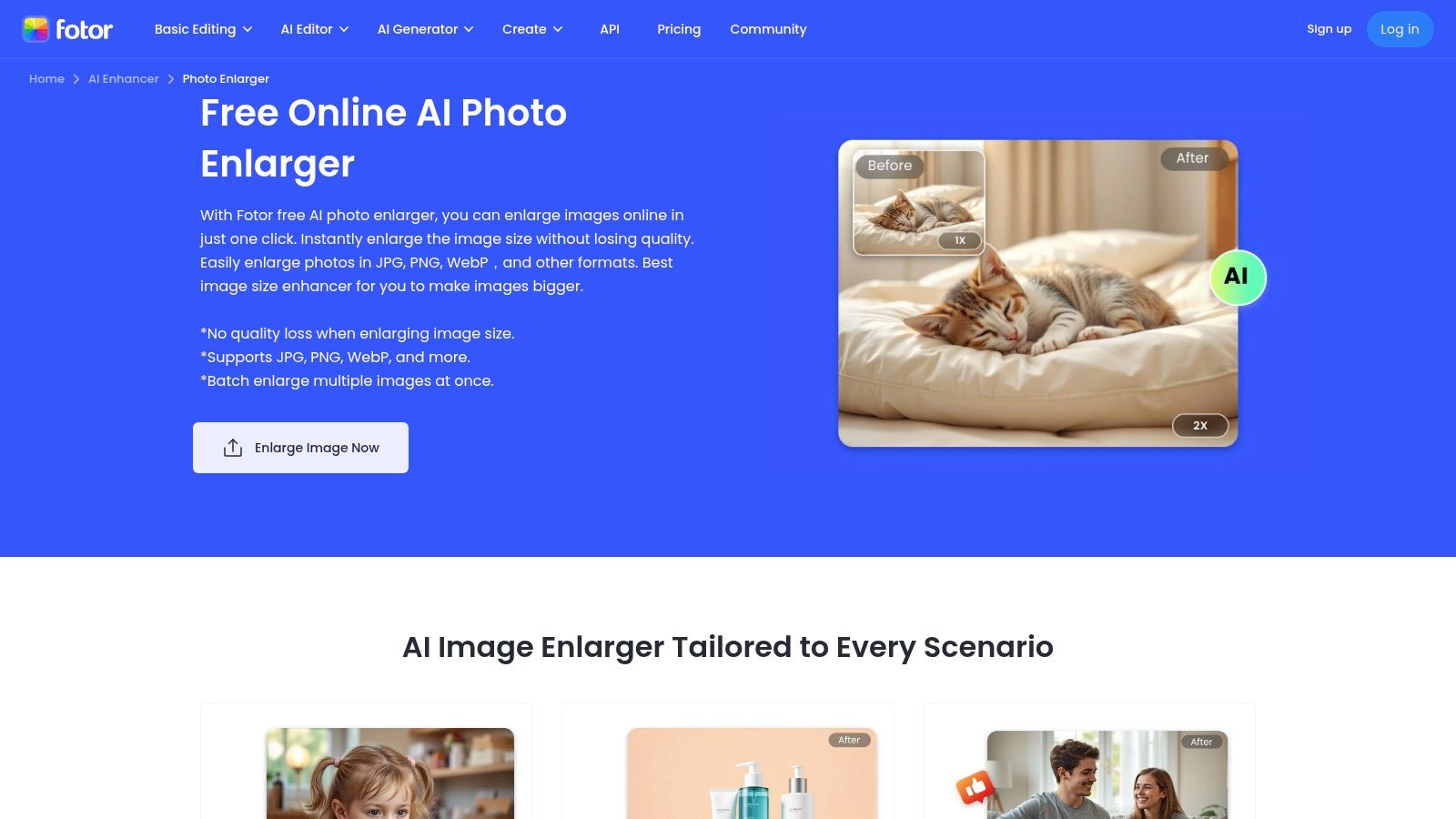
The platform is designed for accessibility, allowing cross-device use without any software installation. Its standout feature is the dedicated bulk upscaler, which streamlines workflows significantly for marketplace sellers or content managers handling numerous images simultaneously. While the free version is quite capable, achieving the highest quality 4K results or downloading images without a watermark may require upgrading to a paid plan. Fotor's tools are part of a wider suite of editing features, making it a powerful all-in-one platform for those who need more than just upscaling.
Key Features & Analysis
- Upscaling Factors: Offers 2× and 4× upscaling, with a focus on its "4K" output capability. It also provides options for AI-driven retouching, HDR effects, and color correction within its broader editor.
- Use Case Suitability: The bulk image upscaler is a game-changer for Shopify, Amazon, or Etsy sellers who need to process dozens of product photos quickly. Its straightforward interface is also ideal for non-technical users needing to prepare images for social media or websites. This tool complements other editing functions, which you can explore in various free AI photo enhancers.
- Limitations & Access: Free usage is subject to limitations, and the best features, including watermark-free exports and the highest resolution outputs, are gated behind a subscription. While powerful, users must be mindful of the credit system or plan limits for extensive use.
Website: https://www.fotor.com/image-enlarger/
11. Picsart – AI Image Upscaler
Picsart is a household name in mobile and web-based photo editing, and its free AI image upscaler online is a natural extension of its creative suite. Rather than being a standalone tool, the upscaler is integrated directly into the broader Picsart editor. This makes it an incredibly convenient option for users who are already part of the Picsart ecosystem, allowing them to enhance an image and immediately proceed with further edits like adding text, filters, or stickers without leaving the platform.
The primary strength of Picsart's offering is its seamless workflow. Users can upscale, denoise, sharpen, and unblur an image using a collection of AI-powered tools all within the same interface. While the initial upscaling and a low-resolution download are free, accessing high-resolution results requires a Picsart Plus subscription. This positions it as a great "try before you buy" tool for those considering a more comprehensive creative platform.
Key Features & Analysis
- Upscaling Factors: The tool provides multiple presets for upscaling to a specific dimension or by a multiplier, with an effective cap around 4096 pixels. It includes companion tools like "Denoise" and "Unblur" that complement the upscaling process.
- Use Case Suitability: It is perfect for social media managers and content creators who use Picsart for their daily editing tasks. The integrated environment streamlines the process of taking a low-quality asset and turning it into a polished, shareable graphic.
- Limitations & Access: The major limitation is the paywall for high-resolution downloads. While you can test the upscaler's quality for free, exporting a print-ready or professional-grade file requires a subscription. This can be frustrating for users strictly looking for a free solution.
Website: https://picsart.com/image-upscale/
12. Waifu2x Online
Waifu2x Online is a specialized free AI image upscaler online that excels at enhancing anime, manga, and other forms of line art. While its name points to a niche audience, its underlying algorithm is exceptionally effective for logos, comics, and stylized product illustrations where preserving sharp lines and flat colors is crucial. The platform offers dedicated modes for Anime/Manga or Photo, with the latter often reserved for paid tiers, allowing it to tailor its approach to the source material.
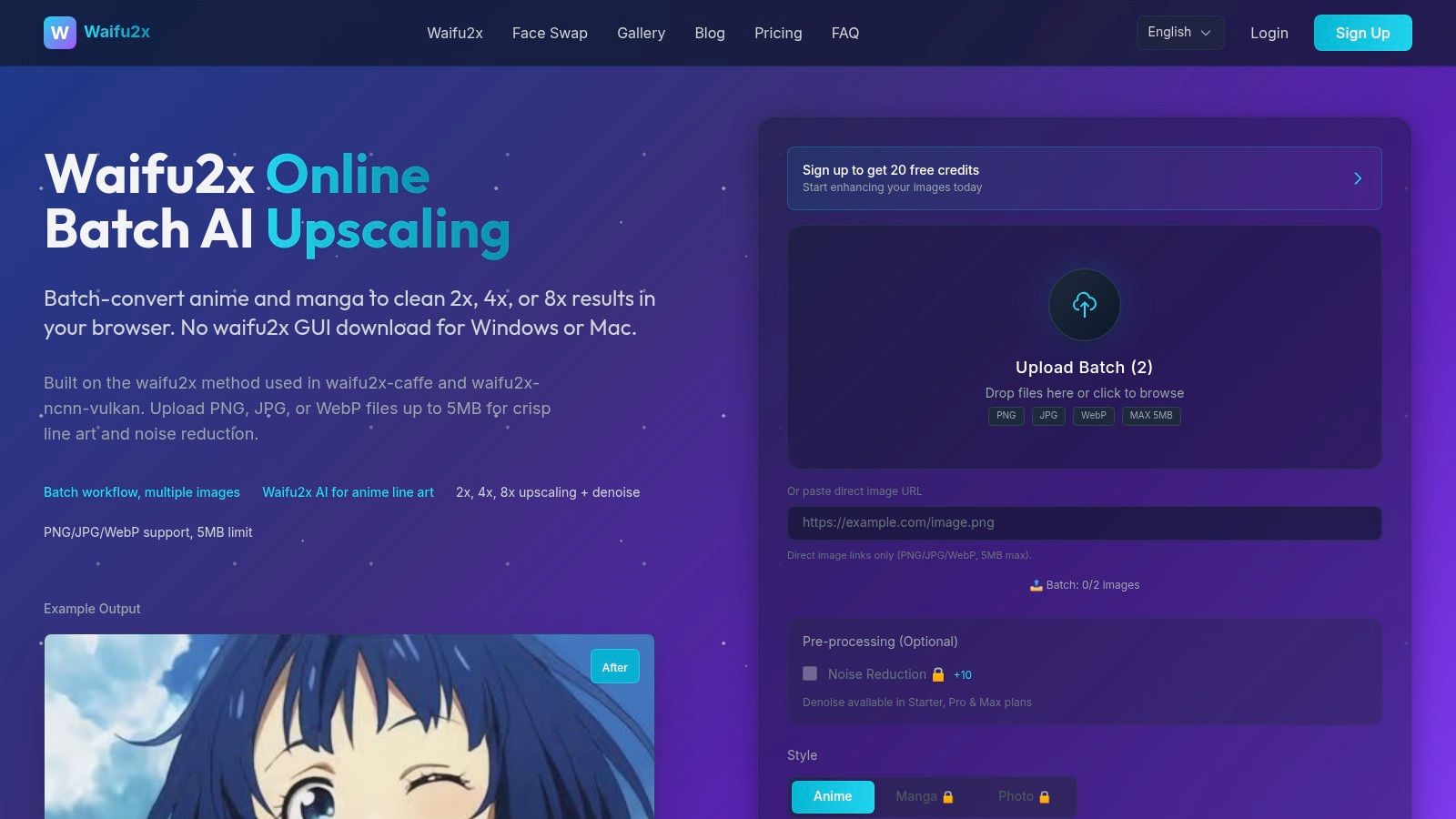
The user experience is direct, with options to select the art style and a noise reduction level before processing. While it operates as a web-only tool with no installation required, its free access is often limited. Users typically receive sign-up credits to perform a few 2× upscales, with higher scaling factors (4× and 8×) and batch processing features locked behind paid plans. This structure positions it as more of a "freemium" tool, ideal for testing its unique capabilities before committing.
Key Features & Analysis
- Upscaling Factors: Offers 2×, 4×, and 8× options, though the free tier is typically restricted to 2×. It includes dedicated "Anime/Manga" and "Photo" modes, with an optional denoise filter to clean up artifacts.
- Use Case Suitability: Unbeatable for upscaling vector-like graphics, logos, digital illustrations, or product mockups with clean lines. It is an excellent choice for e-commerce stores selling merchandise with graphic designs or for artists looking to enhance digital comics.
- Limitations & Access: The free offering is quite restrictive, functioning more like a trial with limited credits. The best features, including the "Photo" mode and higher scaling factors, are paywalled, making it less of a go-to for general-purpose free upscaling.
Website: https://waifu2x.online
12 Free AI Image Upscalers — Feature Comparison
Scroll horizontally to see all columns.
| Product | Core features | Quality & UX | Price & Value | Target audience | Unique selling points |
|---|---|---|---|---|---|
| 43frames | Visual templates, optional custom models and photo tools | Results vary; no review score is claimed | 10 starter credits once; one-time packs | Creators and small businesses | Review source fidelity and cost before use |
| Upscale.media (Pixelbin) | 2×/4×/8× upscales; image + short video; drag & drop | ★ 3.5/5 — fast previews, no-frills UX | 💰 Free with size caps; higher limits after login | 👥 Quick e‑commerce & social creators | ✨ Video support, simple instant previews |
| Topaz Labs – Image Upscaler | Web upscaling to 8×; edge/detail emphasis | ★ 4/5 — trusted detail preservation | 💰 Free web trials; advanced desktop features paid | 👥 Photographers & product sellers | ✨ Strong edge/detail algorithms; reputable brand |
| Pixelcut – AI Image Upscaler | Claims up to 16K; iOS/Android apps; API | ★ 4/5 — mobile-first, polished | 💰 Free start; high-res likely gated by plans | 👥 Storefront teams, social managers, mobile creators | ✨ Mobile apps + API for automation & bulk |
| Canva – HD Photo Converter | Up to 4× inside Canva editor; integrated workflow | ★ 3.5/5 — convenient in-editor experience | 💰 Free to start; Pro may be required for HD exports | 👥 Designers & marketers using Canva | ✨ Seamless upscaling inside design templates |
| Icons8 – Smart Upscaler | Batch uploads (≤500); up to 7680×7680; API | ★ 4/5 — reliable batch processing | 💰 Credits/subs; watermark removed with paid credits | 👥 Teams, catalog & pipeline operators | ✨ Transparent pricing, large batch/API support |
| Bigjpg | Specialized anime/illustration and photo models; apps & API | ★ 4/5 for illustrations; decent photos | 💰 Free tier caps; paid lifts limits | 👥 Illustrators, logos, stylized product art | ✨ Tailored models for anime/line art |
| Let's Enhance | Upscaling + enhancement & restoration; credit plans | ★ 4/5 — business-grade results | 💰 Credit-based; 10 free credits on signup | 👥 Sellers, marketers, teams needing predictable costs | ✨ Credit rollover, storage & priority processing |
| VanceAI – Image Upscaler | Upscaler + denoise/sharpen/restore; desktop batch | ★ 4/5 — end-to-end toolkit | 💰 Credit system; limited free usage | 👥 SKU/photo teams & heavy batch users | ✨ Desktop batch + multiple enhancement tools |
| Fotor – AI Photo Enlarger | One-click enlarge; bulk upscaler; promoted 4K | ★ 3.5/5 — very user-friendly | 💰 Free limited; Pro for watermark-free/HD | 👥 Marketplace sellers & non-technical users | ✨ Simple bulk tool for multi-SKU workflows |
| Picsart – AI Image Upscaler | Integrated upscaler in editor; denoise & HD tools | ★ 3.5/5 — editor + assets in one place | 💰 Free low-res; Picsart Plus for HD exports | 👥 Social/content teams & creators | ✨ Editor integration with companion tools |
| Waifu2x Online | Anime/manga/photo modes; denoise; 2×/4×/8× | ★ 4/5 for anime/line art; limited for photos | 💰 Free limited (2×); higher scales paywalled | 👥 Anime/comic artists & stylized asset creators | ✨ Specialized anime/manga models, web-only service |
Choosing the Right Upscaler: From Quick Fix to Full Creative Suite
The journey through the world of online AI image upscalers reveals a landscape rich with options, each tailored to different needs and workflows. As we've seen, the "best" tool isn't a one-size-fits-all answer but a strategic choice based on your specific project, frequency of use, and long-term creative goals. The right free ai image upscaler online can be a game-changer, transforming grainy, low-resolution images into crisp, professional assets ready for any platform.
For a quick, no-frills fix, simple drag-and-drop tools like Upscale.media and Pixelcut deliver immediate value. They are perfect for the social media manager who needs to quickly enhance a user-generated photo or the blogger looking to sharpen an old image for a new post. Their simplicity is their greatest strength, requiring zero learning curve.
Conversely, for users with specialized needs, tools like Bigjpg and Waifu2x shine. Their algorithms are finely tuned for anime, illustrations, and digital art, preserving sharp lines and flat colors without introducing unwanted artifacts. These are the niche specialists you turn to when general-purpose models might soften the distinct style of your artwork.
Beyond a Simple Tool: Integrating Upscaling into Your Workflow
However, for most businesses, e-commerce sellers, and professional creators, image upscaling is rarely the final step. It's often one part of a larger content creation process that might include background removal, color correction, or even generating new visuals from scratch. This is where the distinction between a standalone utility and an integrated creative platform becomes critical.
Platforms like Canva and Picsart offer upscaling as a feature within a broader design ecosystem. This is incredibly convenient if you already use their services for creating social media graphics or marketing materials. The primary drawback, however, is that their most powerful upscaling features and highest-quality outputs are often reserved for paid subscribers, limiting what's possible on their free plans.
Credit-based models from providers like Let's Enhance and VanceAI represent another approach. They offer professional-grade upscaling with advanced controls, but the "free" aspect is limited to a trial. This model is ideal for users who need top-tier quality for a few key projects but can become costly for those with high-volume needs.
From Restoration to Creation: A Holistic Approach
This analysis highlights a fundamental divide: some tools help you fix what you already have, while others empower you to create what you need. A platform like 43frames bridges this gap. It recognizes that the ultimate goal isn't just a higher-resolution image, but a powerful, on-brand visual that drives results.
Instead of just being a utility for enhancing old photos, 43frames positions its high-quality upscaling as a feature within a comprehensive AI content production studio. You can generate an entirely new, studio-quality product shot for your Etsy store, create a professional headshot for LinkedIn, and then use the built-in enhancement tools to ensure every detail is perfect. This integrated workflow saves time, reduces the need to switch between multiple applications, and offers a more cost-effective solution in the long run.
The most effective choice of a free ai image upscaler online will align with your workflow. Do you need a quick fix, a specialized tool for art, or a complete engine for visual content creation? By evaluating your needs against the capabilities we've explored, you can select the perfect solution to elevate your images and achieve your creative vision.
Ready to move beyond simple fixes and start creating stunning, high-resolution visuals from the ground up? Explore 43frames to see how an integrated AI creative studio combines image generation, restoration, and upscaling into a single, powerful workflow. Sign up for free and experience the future of content creation at 43frames.